Film songs taught as proper lessons — chords, sargam, structure and phrasing written out line by line for guitar and piano. Book your free demo class.
A chord sheet is a map of changes, not a full recording
I use these song lessons to connect harmony with the place where a singer actually moves through a line. Learn what the brackets mean before choosing a strumming pattern. A chord written inside a word marks a change at that point; changing at the beginning of every printed line can displace the harmony. The individual articles explain the supplied key and any particular notation assumptions.
A recording may include several instruments, backing voices and fills. A beginner's accompaniment does not need to reproduce all of them. First make the harmonic outline clear with a simple pulse. Then listen for where silence, a held chord or a lighter attack supports the voice better than continuous strumming.
Learn two changes before the whole verse
Find the transition that interrupts your playing and loop only the two chords involved. Sound each string to identify the fault, then return to a steady count. Do not silently extend the last beat while your fingers travel: reduce the practice speed enough that the next chord arrives on time.
If a barre chord is not ready, ask for a smaller voicing that still contains the required chord tones. Randomly replacing it with an easier chord changes the harmony. In a lesson I can check which strings should sound and which should be muted, rather than leaving an ambiguous shortcut on the page.
Match the key to the voice
Sing the highest and lowest parts comfortably before committing to a performance key. A capo changes sounding pitch while preserving familiar guitar shapes; transposing without a capo changes the chord names and often the shapes. Either approach must move the whole progression consistently.
For melody lines rather than accompaniment, use guitar tabs. For live correction of chord movement and pulse, see guitar lessons. These charts are teaching versions: use the article's stated scope instead of assuming every ornament and studio detail has been transcribed.
Dilruba Dilnasheen — promotional artwork from the Play DMF video supplied for this lesson; resized and letterboxed without changing the artwork.
Learn Dilruba Dilnasheen with the supplied chord-and-lyric sheet, a capo-three guitar option, ukulele shapes and piano chord tones explained by Dr Banerjee.
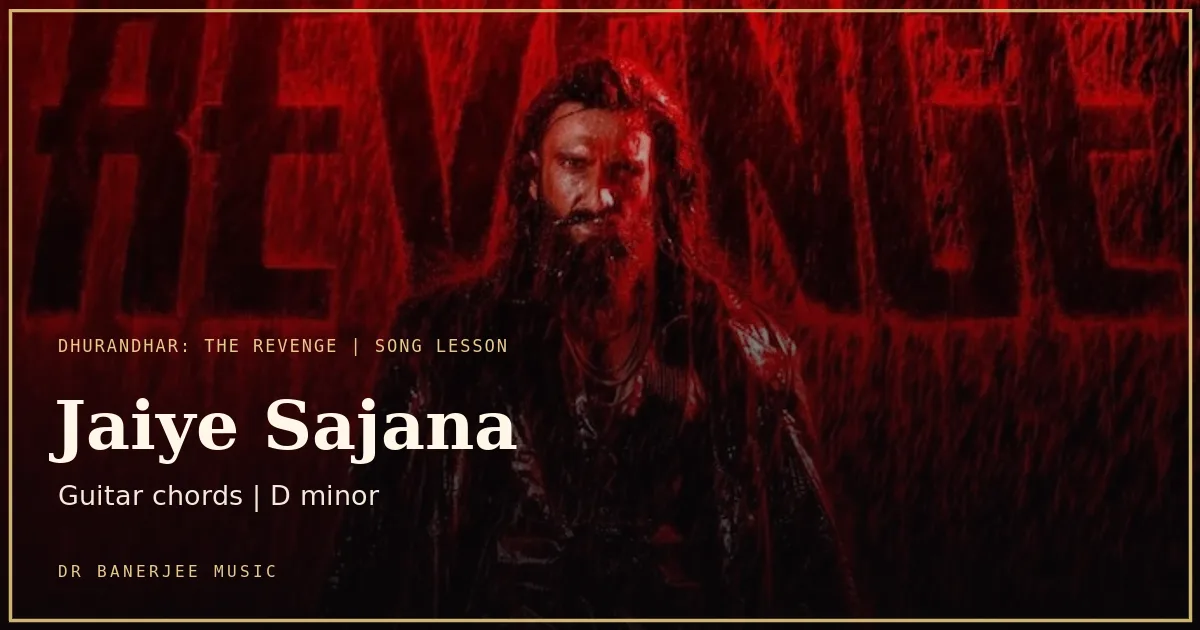
Jaiye Sajana from Dhurandhar: The Revenge as a guitar chord lesson: the D minor progression, changes aligned to the lyrics, and a practical way to learn the verse and refrain.
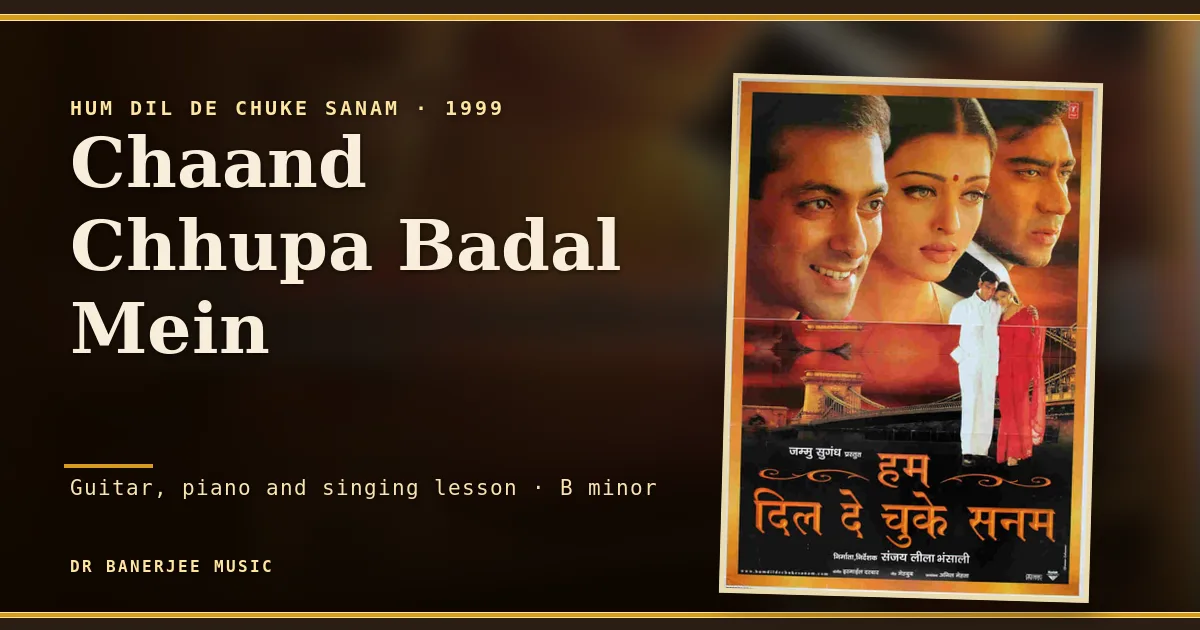
Chand Chupa Badal Mein as a full lesson: the B minor progression, the guitar and piano approach, the voice leading, and why this 1999 melody rewards learners.
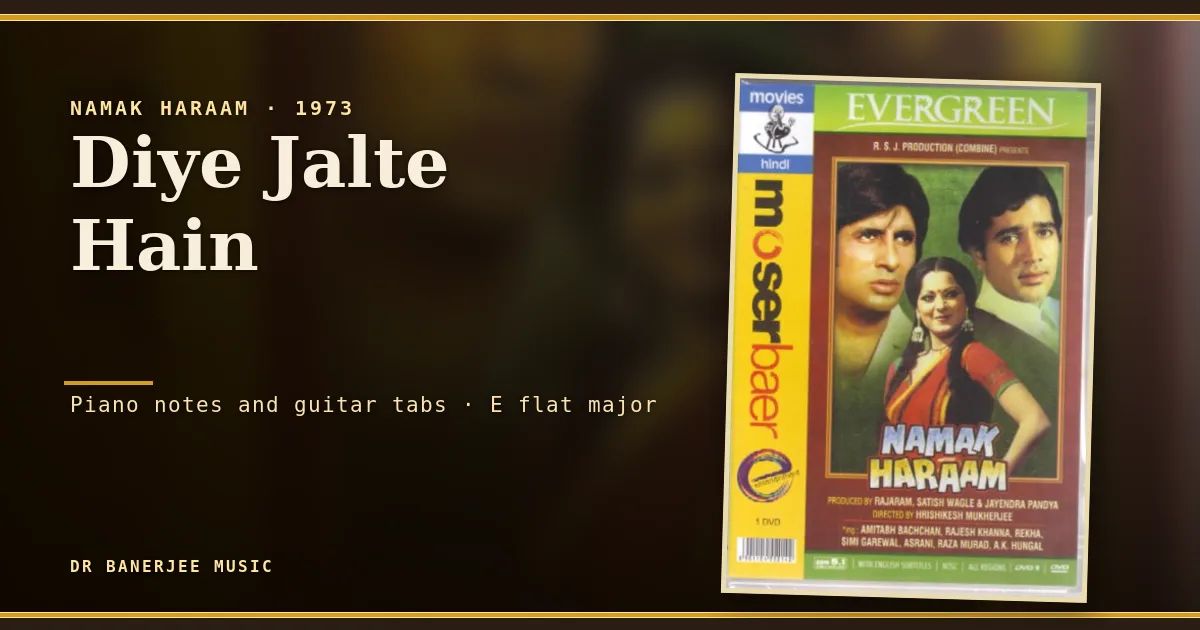
Diye Jalte Hain (Namak Haraam, 1973) for piano and guitar: the melody in E flat major, a practical chord framework, the phrasing, and the common mistakes.
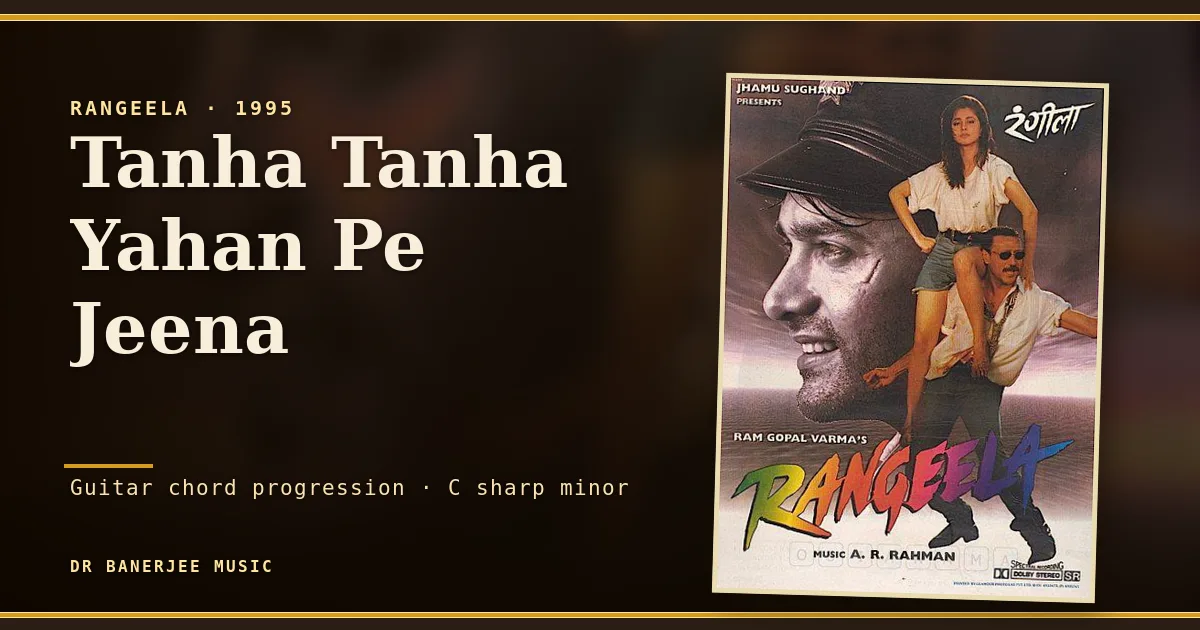
The Tanha Tanha guitar lesson: a four-chord C sharp minor progression from Rangeela (1995), its voicings and timing, and why harmonic economy suits learners.
Vida Karo (Amar Singh Chamkila, 2024) in sargam and chords: line-by-line notation, the harmonic reading behind it, and how to practise it with drone and voice.
Yeh Dil Sun Raha Hai (Khamoshi, 1996) as a lesson: the D minor centre, the chord progression, guitar and piano approaches, and a listen-first practice method.
Book your free demo class on WhatsApp, call +91-62800-75157, or email drbnrj@gmail.com. Physical classes begin after one studio visit; online plans start with the free 15–30-minute demo class, where days, timings, syllabus and progression are agreed.
Add this website to your phone or computer and it opens like an app, loading current lessons, fees and articles when connected. Recently visited pages may be available offline. There is nothing to download from an app store and no separate app to update.
How to add it to your home screen
Android (Chrome): open the ⋮ menu and tap Install app or Add to Home screen.
iPhone and iPad (Safari): open this site in Safari, tap Share (or the browser menu, then Share), choose Add to Home Screen, keep Open as Web App enabled if shown, then tap Add.
Computer (Chrome or Edge): use the install icon in the address bar when offered, or the browser menu’s install option. Availability depends on your browser and device.
In an in-app browser, open this page in Safari or Chrome first. Installation is optional; all lessons and articles also work in your browser. Offline copies may be older, and video, maps and messages need an internet connection.