Incorporating Technology Tools into Music Education

Doctorate in World Music, University of Oxford · teaching since 1992. More about the teacher.
Technology has become an unavoidable presence in contemporary music education. From notation software to recording applications, digital tools are now readily available to teachers and students alike. Effective use, however, requires more than access to apps or devices. Applied without clear intention, technology can distract from musical fundamentals rather than support them. This article examines how technology can be integrated into music education in a disciplined, goal-oriented manner that strengthens learning instead of diluting it.
Why purpose must come before the tool
In my experience teaching, lessons often lose focus when technology is introduced without a clearly defined purpose. Students become absorbed in features and settings instead of addressing fundamental weaknesses such as inaccurate sight-reading or underdeveloped aural skills. When that happens, practice time fragments and progress slows rather than improves. This is the same loss of focus I describe in learning music in an age of distraction: the device is not neutral, and every unstructured minute in front of it competes with the instrument itself.
Aligning tools with specific teaching objectives
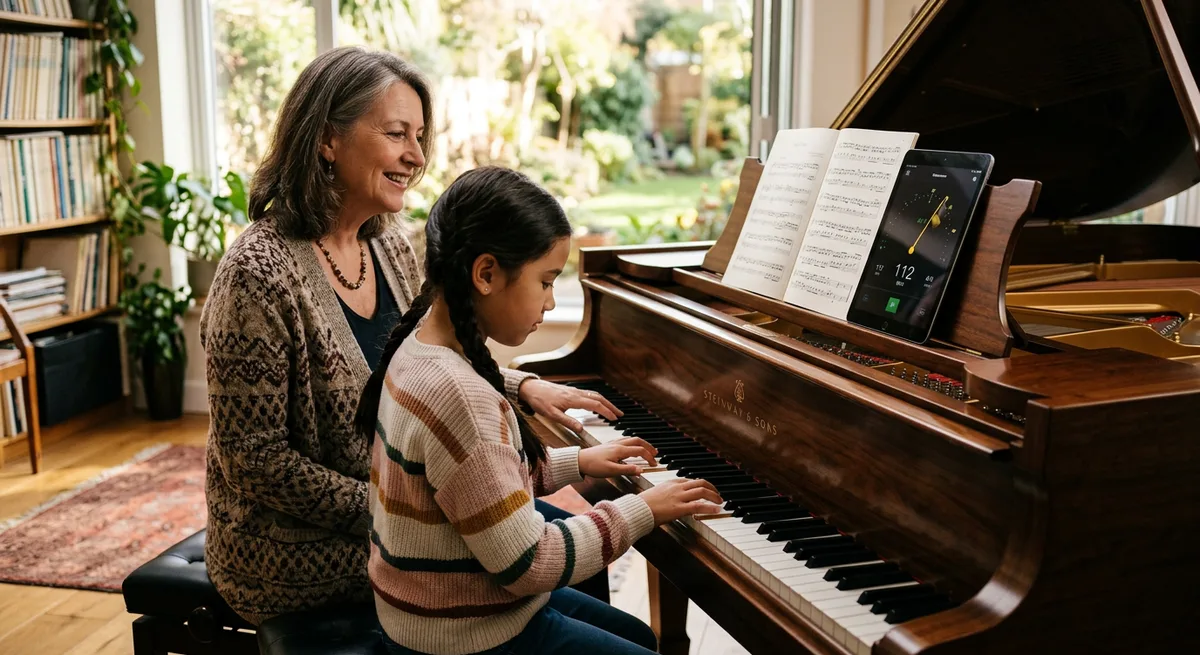
Effective integration begins with identifying the student's immediate need — technical precision, rhythmic stability, aural development or compositional understanding. Technology should be introduced only when it directly supports that objective, and each tool must be evaluated on whether it delivers measurable improvement without adding unnecessary complexity. Selection also depends on the learner: interfaces too complex for younger students, or functions beyond a beginner's ability, lead to frustration and disengagement, while software requiring unreliable internet or specialised hardware disrupts consistent practice. Matched carefully to age, skill and resources, technology reinforces lesson focus rather than becoming an obstacle.
How basic tools improve independent practice
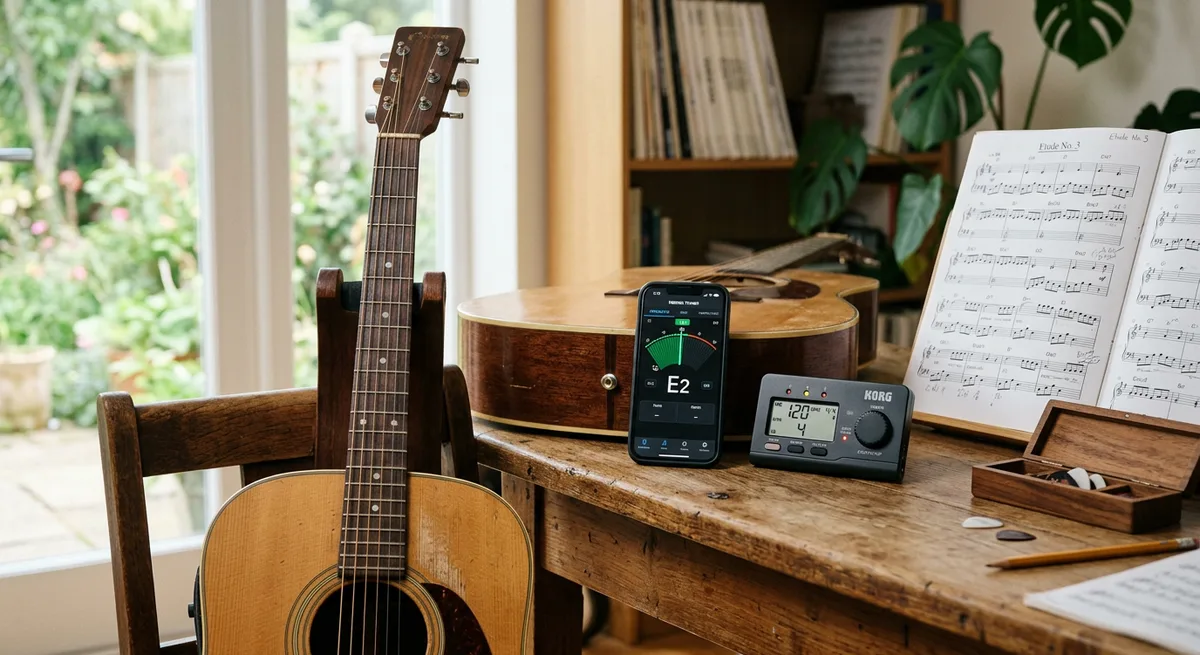
Basic digital tools — notation software, tuner applications, metronomes and simple recording functions — can significantly improve the quality of independent practice. They let students hear pitch inaccuracies, rhythmic inconsistencies and tone issues more clearly, encouraging self-correction between lessons. Used in moderation, they build precision and accountability in daily routines. Applications for theory drills or rhythm exercises provide immediate feedback, which is particularly effective for correcting repeated errors in isolated skills. That feedback accelerates basic accuracy, but it cannot replace the teacher's role in shaping dynamics, phrasing, articulation and expressive nuance, all of which require demonstration and guided listening — a limit I explore further in why so many online music courses fail.
Building compositional understanding with layered tools
Digital audio workstations and loop-based tools let students construct musical ideas layer by layer, strengthening their grasp of structure, timing alignment and arrangement. Guided carefully, these tools support genuine compositional thinking rather than surface-level experimentation. The distinction matters, because the same systems can encourage delegation instead of learning — a risk I set out in AI music education as revolution or mirage. The measure is always whether the student is making musical decisions or merely accepting what the software offers.
Keeping technology in balance
Technology is most effective when integrated alongside live playing and direct teacher guidance. Over-reliance on screens reduces physical engagement with the instrument and weakens listening habits, so digital work must be balanced with acoustic practice to keep expression and technique central. Educators carry the responsibility of setting clear boundaries: screen-based activities should be limited to specific, goal-driven tasks and complemented by substantial unplugged practice and live feedback. Technology will keep evolving, but the aims of music education do not. Tools may assist accuracy, organisation and exploration, yet they cannot replace listening, discipline or informed musical judgement. Approached as a servant rather than a solution, technology becomes genuinely useful.
Frequently Asked Questions
Which digital tools are most useful for beginners?
Start with the basics: a tuner, a metronome and a simple recording app. These help learners hear pitch, timing and tone problems clearly and self-correct between lessons. Notation software can follow later. Complex interfaces or feature-heavy apps tend to distract beginners rather than build fundamentals.
Can apps replace a music teacher?
No. Apps give fast feedback on isolated, measurable skills such as rhythm accuracy or theory drills, but they cannot shape dynamics, phrasing, articulation or expressive nuance. Those require demonstration, guided listening and human judgement, so technology works best as a supplement to teaching, not a substitute.
How much screen time is appropriate in music practice?
Keep it limited and goal-driven. Use a tool for a specific task — checking tuning, drilling a rhythm, recording a passage — then return to unplugged practice on the instrument. Balancing short, purposeful digital work with substantial acoustic practice prevents dependency and keeps musical technique central.