Online Music Lesson Setup: 5-Minute Checklist

Doctorate in World Music, University of Oxford · teaching since 1992. More about the teacher.
Online music lesson setup takes five minutes, and those five minutes decide whether an online music class works or dissolves into "can you see me?". For online music lessons for beginners, the checklist below matters more than the instrument, the room or the internet plan — every item on it is free.
The five-minute checklist
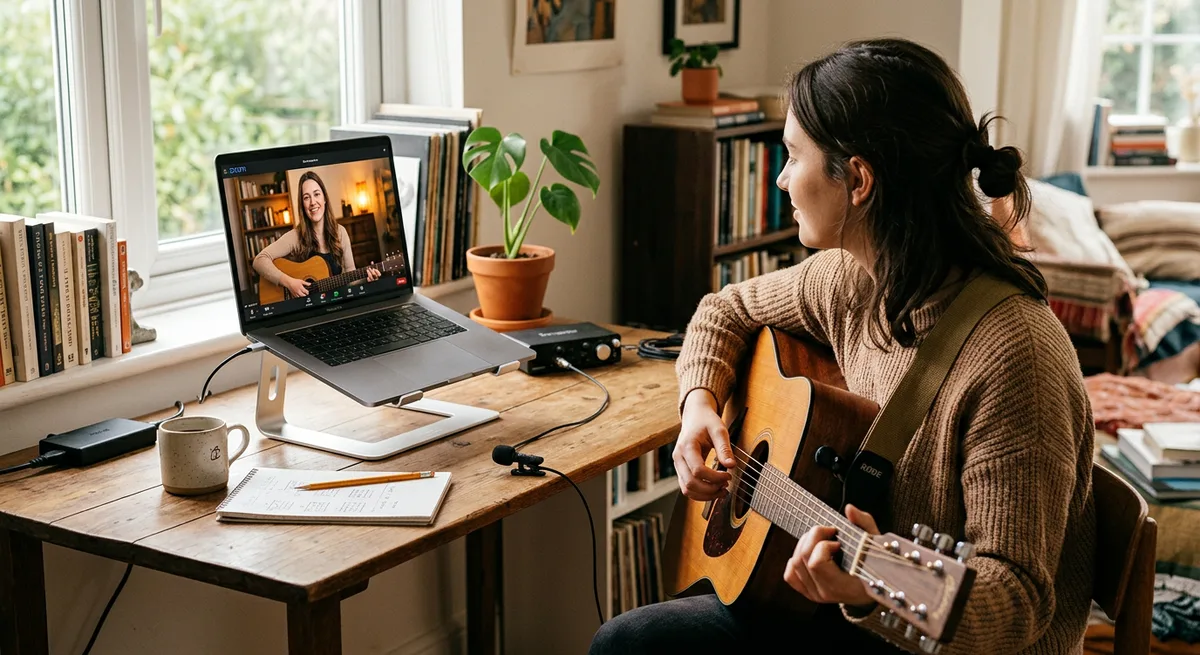
1. The device. A phone or tablet on something solid — a stack of books beats a hand. Laptops sit at eye height, not flat on a desk looking up your nose.
2. The camera framing. The teacher must see both hands. Guitar and ukulele: the camera looks across at the fretting hand and the strumming hand together. Piano and keyboard: a side view from the player's right, far enough back to catch both ends of the keyboard. Singing: head and shoulders, so breathing is visible. Flute and bansuri: fingers and embouchure both, which usually means a slightly high angle.
3. The audio. Wired earphones for the student, always. A device microphone next to a speaker creates echo cancellation that eats instruments whole; earphones break that loop.
4. The light. A window or lamp in front of the player, never behind. A bright background turns the student into a silhouette, and half of teaching is seeing.
5. The early join. Enter the call five minutes early with the instrument already tuned and the week's pieces already open. The lesson starts at its best rather than warming up to it.
Earphones or speakers?
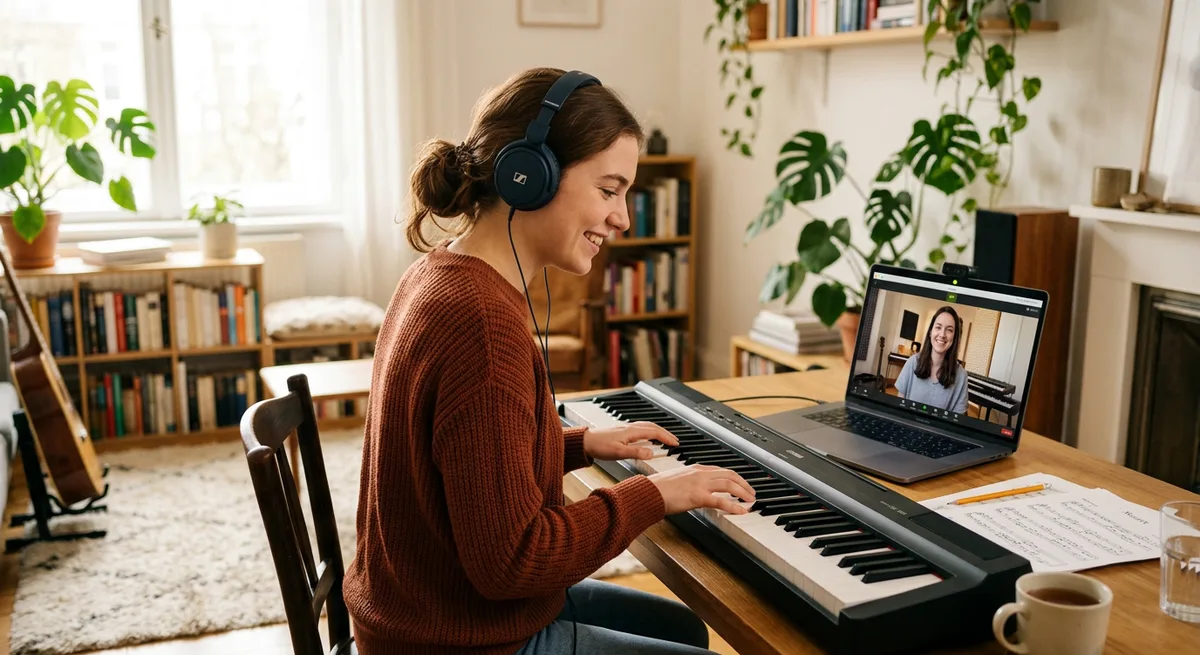
For most instruments the answer is simply earphones. Piano and keyboard students are the exception worth a line: the instrument is loud enough on its own, so the setup that works is device volume low, earphones in, and the keyboard's own speakers carrying the sound to the room — the teacher hears the keyboard through the microphone while the student hears the teacher without feedback. If the keyboard supports it, a cable from headphone-out to the computer's line-in is cleaner still, but it is a refinement, not a requirement.
Zoom, Google Meet or WhatsApp Video
The syllabus does not change with the app. Lessons run through whichever of the three the household already uses, 45 to 60 minutes one-to-one, the same material and the same practice notes as the studio version — the online classes worldwide page sets out the plans, and piano and keyboard classes work exactly the same way on screen. Classical vocal students preparing the traditional path may also like Indian Classical Music for Absolute Beginners.
The free demo class
Every online plan starts with a free 15–30-minute demo class — we agree days, timings and syllabus there. It is also, quietly, the setup test: the framing, the earphones, the light and the connection all get checked in that first conversation, before a single fee is paid. A household that runs the five checks before the intro usually spends the whole intro talking about music instead of about the camera.
Frequently Asked Questions
Do I need a special microphone?
No. The device microphone plus wired earphones handles lessons well at every level up to quite advanced work. A dedicated microphone is a later purchase for recording, and it changes how you sound to a file more than how you are taught.
What happens if the connection drops mid-lesson?
The class simply resumes — the same link re-joined, or a switch to WhatsApp Video, which copes well with weak connections. Time lost to a drop is made up in the same session or the next one; a lesson is not held hostage to one bad minute of internet.
Questions about anything in this article? WhatsApp +91-62800-75157 or email drbnrj@gmail.com.