Best MIDI Keyboard for Beginners (2026, India)

Doctorate in World Music, University of Oxford · teaching since 1992. More about the teacher.
The best MIDI keyboard for beginners is the one that gets played every day — in India, usually an honest 61-key instrument with its own speakers, not an expensive controller waiting for a computer. Here is the short answer first, with prices at time of writing, Sep 2026, and the reasoning below.
The 60-second answer
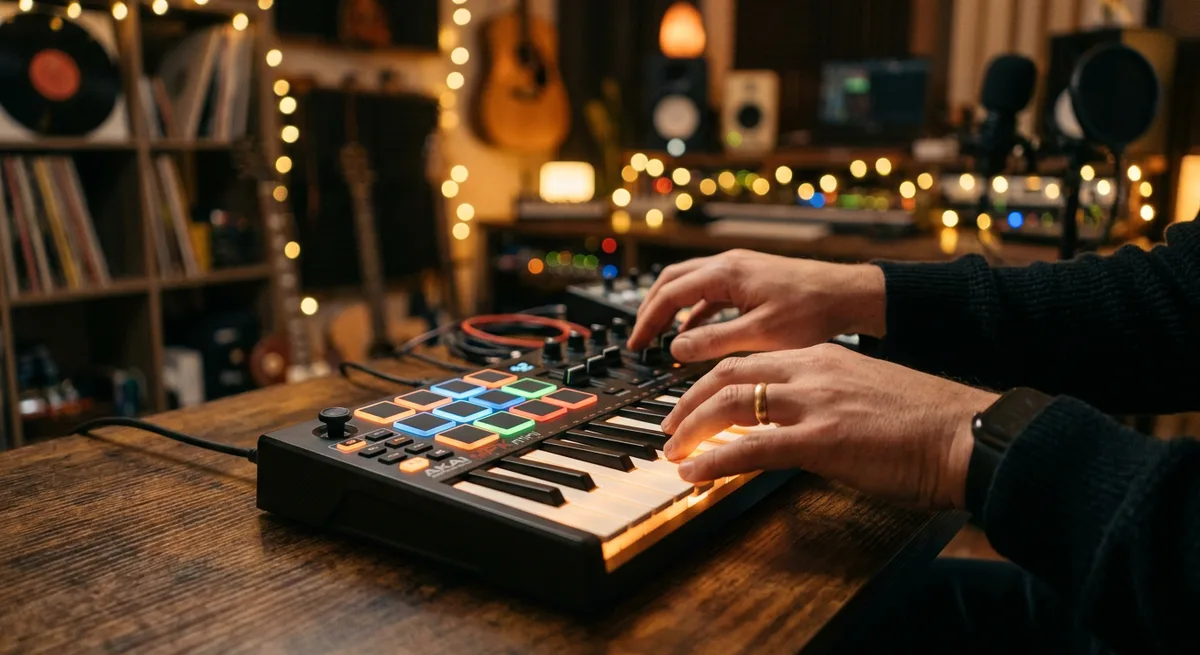
A 61-key beginner keyboard in the ₹8,000–13,000 band is enough instrument for the whole first year of lessons. The two everyone actually buys are the Yamaha PSR-F52 (about ₹8,000–10,000) and the Casio CT-S300 (about ₹10,000–12,000),. If Indian voices matter to your household, the step-up tier runs ₹15,000–27,000 — the Yamaha PSR-I400 at ₹19,990 is the popular pick, with Casio's CT-X range alongside it. A proper 88-key weighted digital piano starts from about ₹38,000 — the Casio CDP-S110 is the usual first answer. MIDI pad controllers in the ₹9,000–14,000 band — the Akai MPK Mini Mk4 class of tool, with the M-Audio Oxygen Pro Mini about ₹11,000 — are for shaping music in software, not for learning to play. For a child still exploring rather than joining classes, mini keyboards sit at ₹4,000–6,000, the Yamaha PSS-F30 being the classic of the genre.
MIDI keyboard, controller or keyboard-piano?
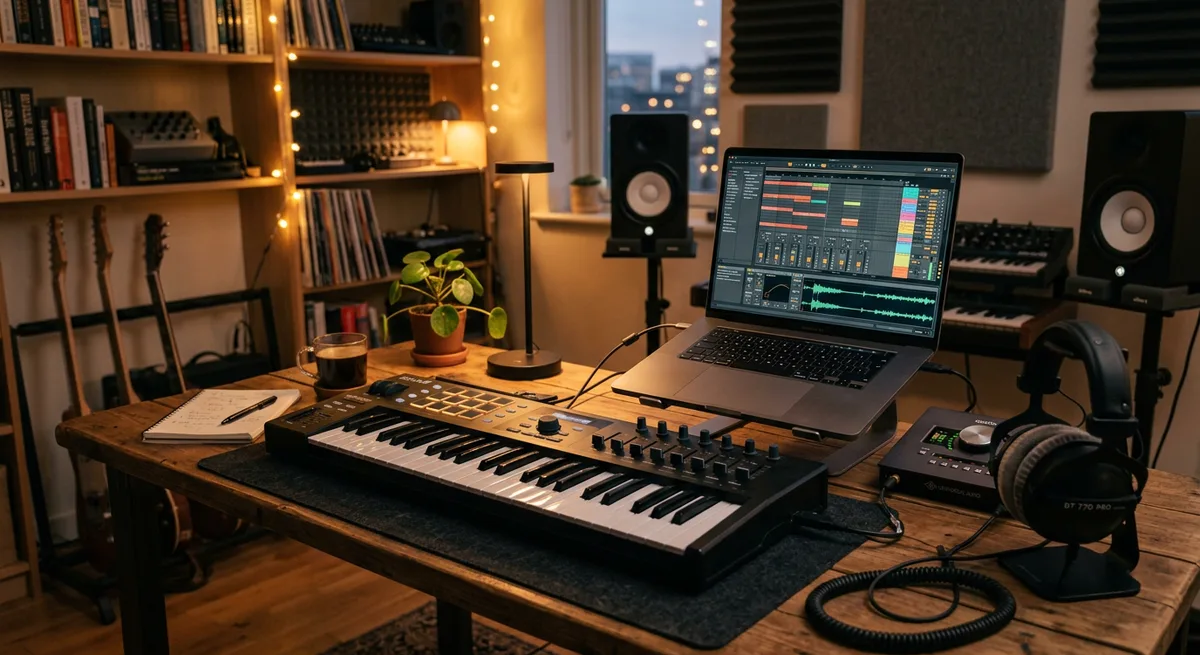
Shops use one label for three different machines, so the confusion is not your fault. A keyboard-piano (the PSR and CT-S kind) makes sound on its own through built-in speakers — switch it on, play, done. A MIDI controller is a keyboard-shaped remote: it makes no sound until it is plugged into a computer or tablet running music software. A digital piano is built the other way around: 88 weighted keys and a piano-first sound, aimed at classical study.
A beginner needs the first kind: controllers put a computer, an app and a setup ritual between a student and the first note — friction a beginner does not need.
Three picks, described by what they do
The do-everything first keyboard — Casio CT-S300, about ₹10,000–12,000. Sixty-one touch-sensitive keys, so loud and quiet is possible from day one; light enough to carry, with batteries for rooms without a handy power point.
The Indian-music step-up — Yamaha PSR-I400, ₹19,990. Indian instrument voices, raga-friendly scale settings and auto-accompaniment styles built for Indian songs, so practice stays close to the music the family actually listens to. This is the tier (₹15,000–27,000) where the keyboard grows with the student instead of being outgrown.
The piano-feel answer — Casio CDP-S110, from about ₹38,000. Eighty-eight fully weighted keys in a compact body, with a headphone socket for silent practice — the machine for when playing turns serious, not the machine to start on.
What not to buy
Skip unweighted toys with miniature keys for any child old enough for classes; the ₹4,000–6,000 minis are for a five-year-old's exploration, not for learning hand position. Skip controllers without speakers as a first instrument. And ignore the aftertouch row in specifications: it matters to sound designers, not to beginners.
Budget tiers at a glance
| Tier | Budget | What you are buying |
|---|---|---|
| First 61-key keyboard | ₹8,000–13,000 | A full year of lessons, with speakers |
| Indian voices and styles | ₹15,000–27,000 | An instrument that grows with the student |
| 88 weighted keys | from ₹38,000 | Piano action for serious study |
| MIDI pad controllers | ₹9,000–14,000 | Software music-making, not first lessons |
| Kids' mini keyboards | ₹4,000–6,000 | Exploration before classes begin |
If the choice is between a better keyboard and more lessons, take the lessons — the piano and keyboard classes here work happily on a first-year instrument, in the studio or through online classes worldwide. And if you are choosing between a keyboard now and a digital piano later, Digital Piano vs Keyboard: Which to Buy First? answers exactly that.
Frequently Asked Questions
Do I need 88 keys to start piano lessons?
No. A first-year syllabus barely leaves the middle of the instrument, and 61 touch-sensitive keys cover it completely. The 88-key decision belongs to the year classical repertoire or grade material arrives, not the year of learning to read and play.
Can a beginner learn on a MIDI controller?
Technically yes, if a computer with music software is always attached, but it is the wrong first instrument. A keyboard with built-in speakers is ready the moment you sit down, and that ease is worth more than any controller feature in year one.
Questions about anything in this article? WhatsApp +91-62800-75157 or email drbnrj@gmail.com.